MyEd Tips & Tricks

Tip #1: Use the Correct MyEd Web Address.
Searching the internet may result in you trying to log into a different database and not Sea to Sky’s database. Please use this address https://www.myeducation.gov.bc.ca/aspen. To make it easy to access, please make it a bookmark or desktop shortcut.

Tip #2: Passwords Have Strict Requirements.
Please note that the passwords must be entered exactly. They are case-sensitive. If you forget your password, click on “I forgot my password” and you will be e-mailed a new temporary password.
Password Criteria:
- Between 8 and 14 characters
- At least 1 capital letter, 1 lowercase letter, and 1 number
- A special character: # or $ or _
- Your password cannot contain, first name, middle name, last name, date of birth, personal id or sequential letters or numbers
Tip #3: Ten Unsuccessful Attempts Will Disable Your Account.
If this happens you will need to email [email protected] to have it re‐enabled.
Tip #4: Passwords are Good for 90 days.
After 90 days and after a successful login, you will be required to create a new password immediately.
Please Note: Often the 90 days may go by before the next reporting period when you try to log in. As these passwords are complicated, please retain your passwords in a safe place (i.e.: Password Protector on your cell phone) so you don’t forget the next time you go to log in.
Tip #5: Browser Restrictions.- Try another web browser (i.e.: Chrome, Internet Explorer, Firefox, Safari, MS Edge) if you have trouble. One of these may be the reason you cannot log in or are having trouble viewing items.
- Consider clearing your cache. Many clear their cache to fix website glitches, speed up slow apps, free up storage, and improve privacy by removing old temporary files that browsers save for faster loading, preventing outdated data from causing issues and ensuring they see the latest content. Below are two common options.
Ctrl+F5 (Hard Refresh)
What it does: Reloads the current page, ignoring the cached versions of its resources (images, stylesheets, JavaScript) and fetching fresh copies from the web server.
When to use: When a page looks outdated or broken, and you want to ensure you're seeing the latest version without clearing everything else.
Scope: Specific to the single webpage you're on.
Ctrl+Shift+Del (Clear Browsing Data)
What it does: Opens a dialog box where you can select and delete various types of browsing data, including browsing history, cookies, cached images and files, and more.
When to use: When you want to clear out significant amounts of stored data for privacy, to fix issues across multiple sites, or to free up storage space.
Scope: Affects your entire browser's stored data, depending on your selection in the dialog.
c. If you use a mobile device and it is not working, please try a regular computer.For iPhone/iPad (Safari): Settings → Apps → Safari → turn Block Pop-ups OFF.
e. Temporarily disable ad/content blockers for the site
Even if pop-ups are allowed, some blockers still stop the print window. If you use an ad blocker, try turning it off for the MyEducation BC site and re-try.
Tip #6: If You Log in and Do Not See a Report Card?
User's will only see a report card during the window of time it is posted.
For example, if a user logs in prior to a report card being published, or after the time the report card is available to view, they will not see the "Published Reports" menu item or a report card.
Example: School posts report cards for Term 1 from November 20th - December 15th.
If a user logs in before November 20th, or after December 15th, they will not see the menu item "Published Reports" or a report card
Parents will receive an email telling users when report cards are posted. If you do not see the report card after that date, please contact the school and ask them to re-publish the report card.
Tip #7: Your account is with another district?
There are several reasons why your account may be associated with a different district. One common reason is if you are listed as a contact for another family and that family moves to a new district. When this happens, your account can sometimes be moved along with theirs.
Unless there is a reason for you to keep your account with that other district, you'll be asked if you would like your account moved to SD #48. This typically takes overnight for that to happen.
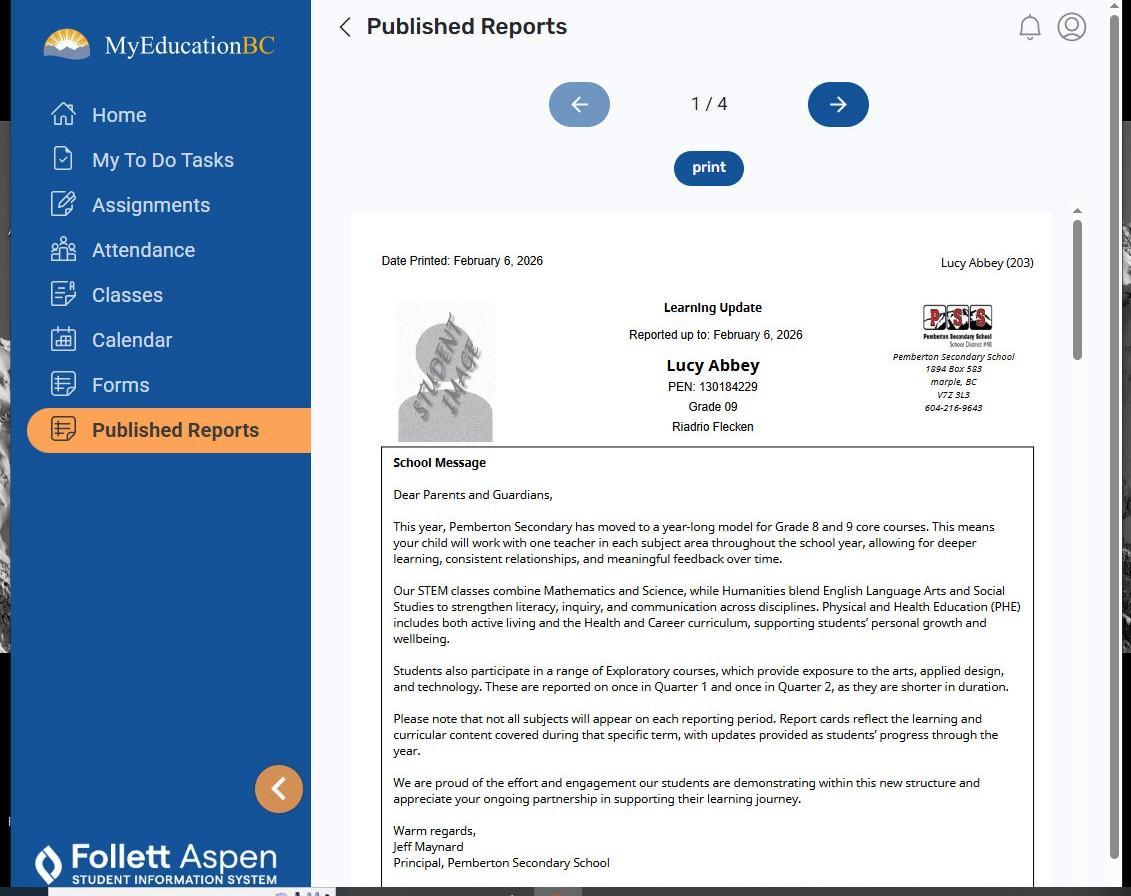
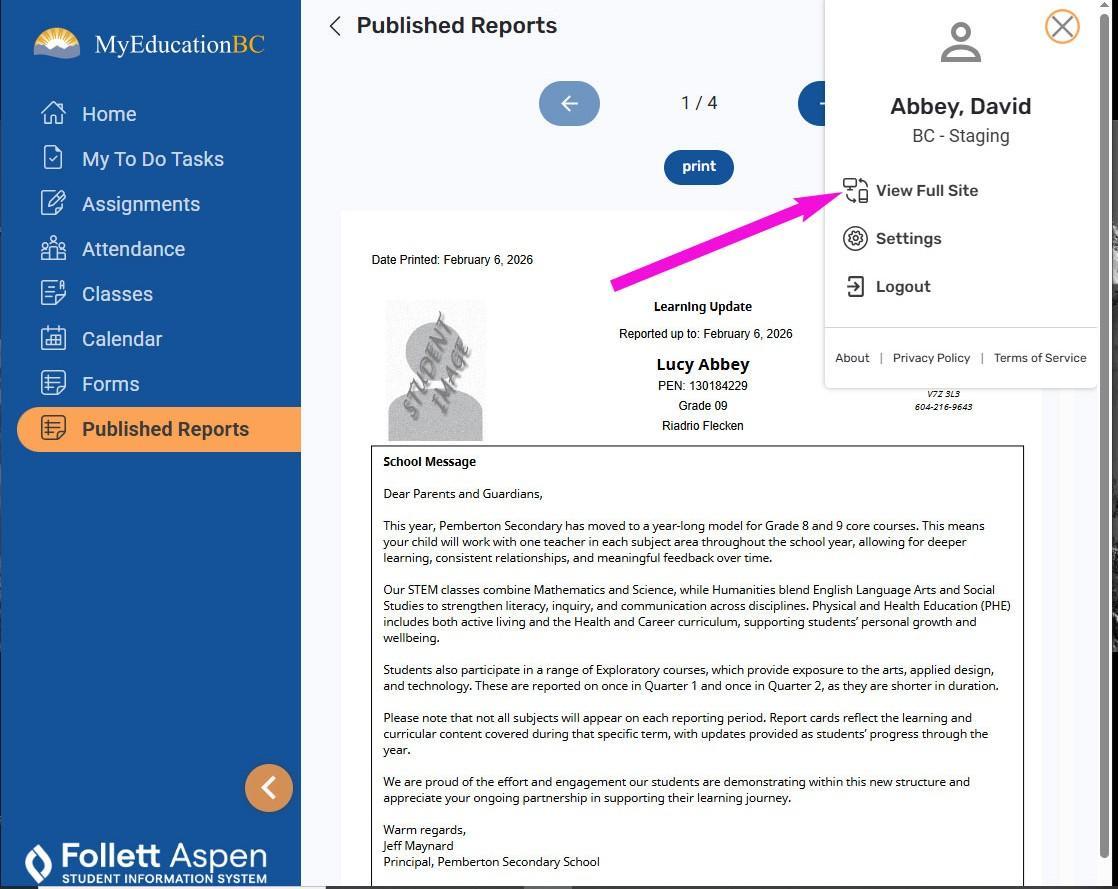
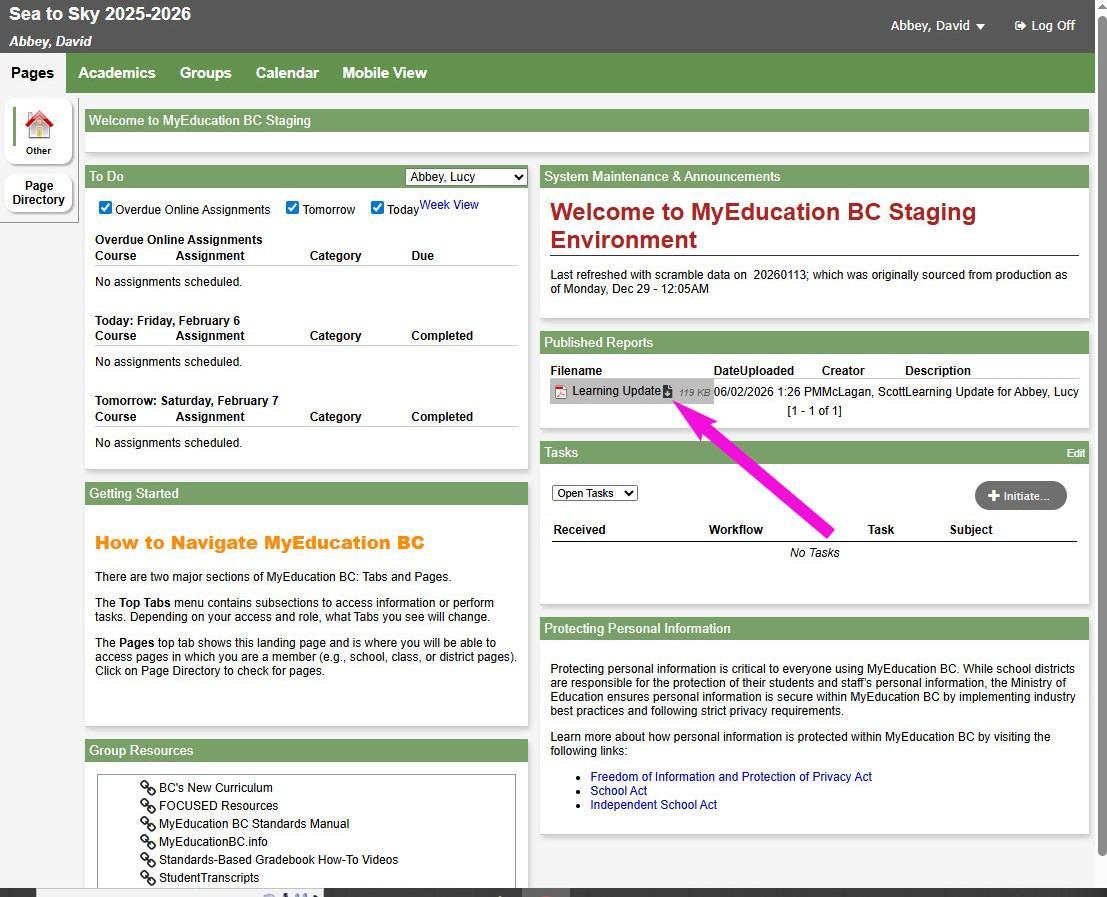
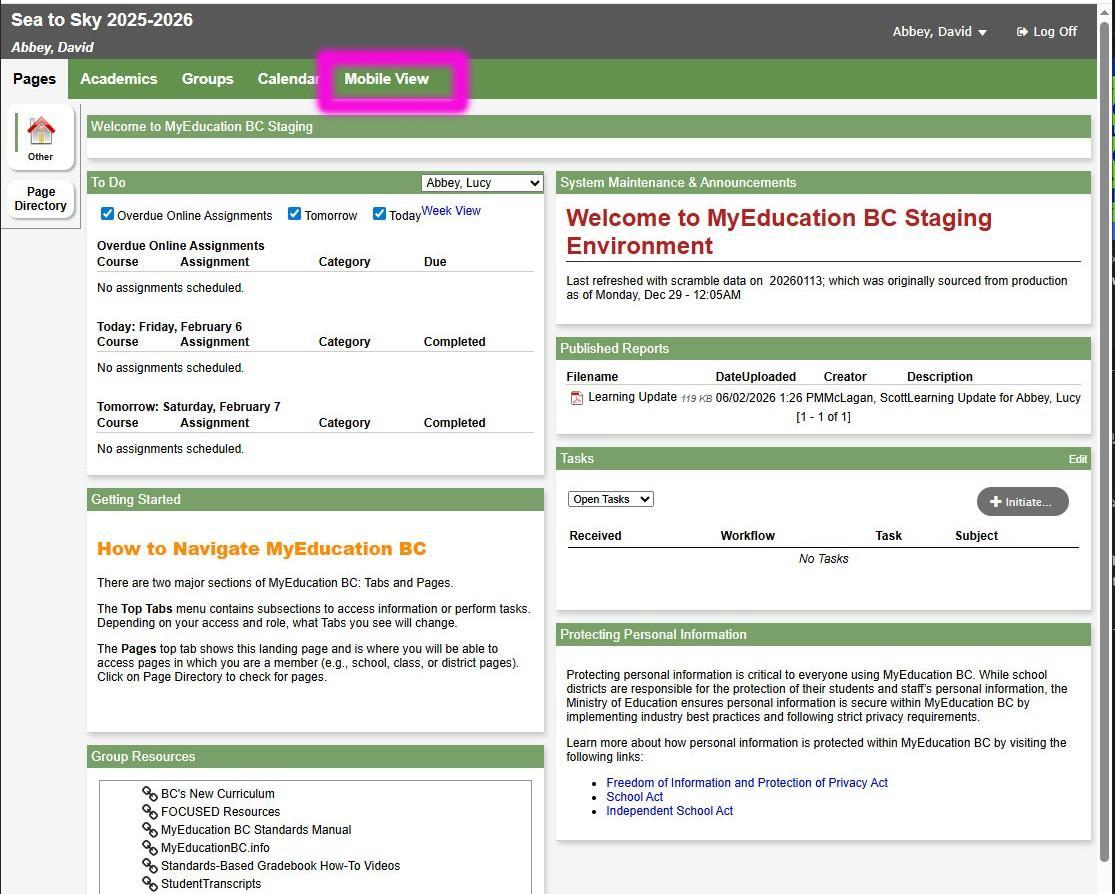
Tip #8: I can't print my child's report card?
Not unlike many applications today, what appears to be a PDF in a browser is only an image.